Professional
Printer
Repairs
Dubai's Premiere Printer Repair Service Center

- 4.9 rating in Google My Business
- Over 1000 5-star reviews
- 3 to 12 months warranty for services


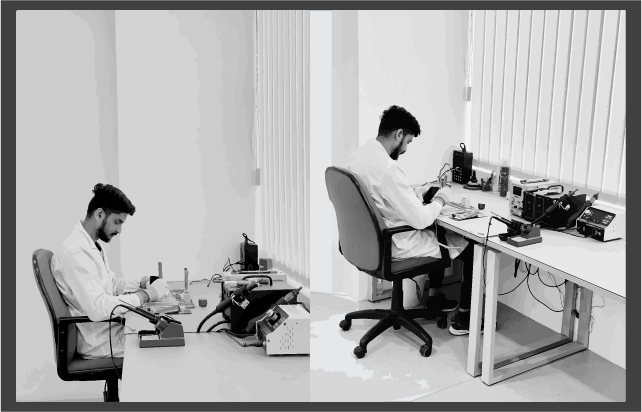
Welcome to FIXSQUAD, Dubai's gadget saviors since 2013! Founded by a visionary with over 10 years in the tech realm, we've become the premier gadget repair service in the UAE. Our all-star team, a mix of management brilliance, tech whizzes, and customer support champs, is dedicated to crafting an exceptional support experience.
Whether you're a multinational corporation or a tech enthusiast, FIXSQUAD ensures your gadgets receive expert service for uninterrupted enjoyment. Join us in the heart of Dubai's tech revolution, where innovation and excellence meet, creating a repair experience like no other. Your gadgets deserve the best, and at FIXSQUAD, they get just that!
 Certified
 Free
Free Flash
Flash Assured
Exploring in 3 Approaches!

Pickup and Delivery
Indulge in unparalleled convenience with our complimentary Pickup and Delivery service across the UAE.

On-site Repair
Swift resolutions at your doorstep. Proficient technicians will promptly visit and repair your device within an hour, ensuring minimal disruptions.

In-Store Visit
Count on us for swift and dependable repairs. Walk into our store for efficient service, ensuring you're back on track in no time.
Printer repair services are essential for maintaining the functionality of your printing equipment. Our skilled technicians diagnose and resolve various printer issues promptly, ensuring your devices operate efficiently to meet your printing needs without disruption.
Find answers to your repair related queries here
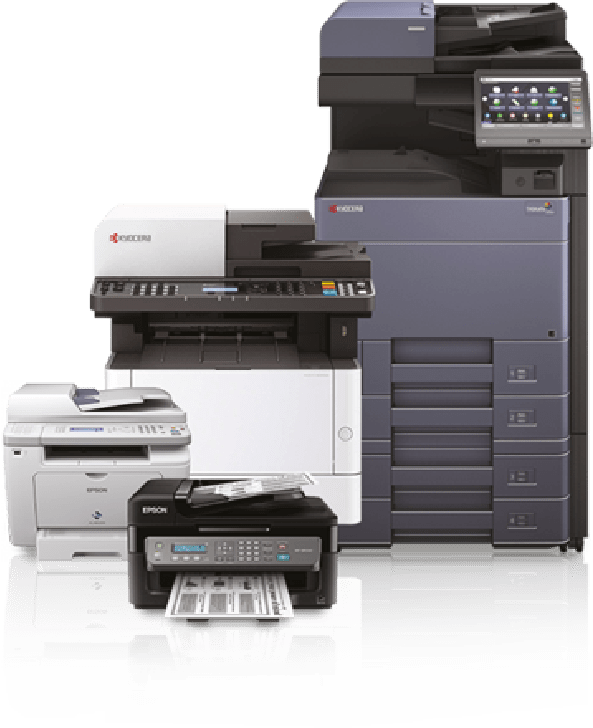
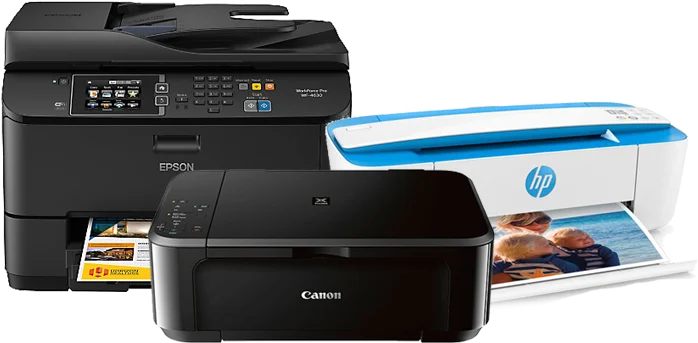
We specialize in repairing a wide range of printers, including laser printers, inkjet printers, all-in-one printers, thermal printers, label printers, 3D printers, plotters, portable printers, and wide-format printers.
We offer a free initial diagnosis to assess the issue with your printer. Once we identify the problem, we will provide you with a transparent quote for the repair services needed.
Yes, we use authentic replacement parts to ensure the quality and performance of your printer. Our commitment is to provide reliable and long-lasting repairs.
Yes, our printer repairs come with a specified warranty period to cover the repaired components. Check our warranty policy for more details on the coverage and terms.
Yes, our technicians are experienced in repairing a wide range of printer models, including older or discontinued ones. Contact us with the details of your printer, and we'll assess its repairability.
Contact us and share the details, and we will fix the Pickup.
Yes, if it's a warranty device, the device warranty will be void if a 3rd party service center repairs it, although we inform our customer prior to our service with their consent we proceed.
Error codes can indicate various issues. To assist you better, please provide the specific error code or message you're encountering when requesting a repair. Our technicians will diagnose the problem and provide a solution tailored to your printer model.
Print quality problems can stem from multiple factors. Start by checking your ink or toner levels and running a printer maintenance cycle. If issues persist, submit a repair request on our website, and our skilled technicians will identify and address the root cause of the print quality problems.
Begin by checking the printer's connection to the network or computer. Ensure the cables are securely plugged in and try restarting both the printer and the computer. If the issue persists, submit a repair request with details about your setup, and we'll troubleshoot and fix the connectivity problem.
Paper jams are a common issue and can be caused by misaligned paper, worn-out rollers, or debris in the paper path. Follow your printer's manual for guidance on clearing jams. If the problem persists, submit a repair request, and our technicians will thoroughly inspect and resolve any underlying issues causing paper jams.
Start by checking the USB or network connection between your printer and computer. Ensure drivers are up-to-date and compatible with your operating system. If the issue persists, submit a repair request with details on your setup, and our technicians will diagnose and resolve the recognition problem.